
Built-up dust chokes your computer: it gets loud, overheats, slows down and shuts off. Professional cleaning with thermal paste replacement makes it cool and quiet again.
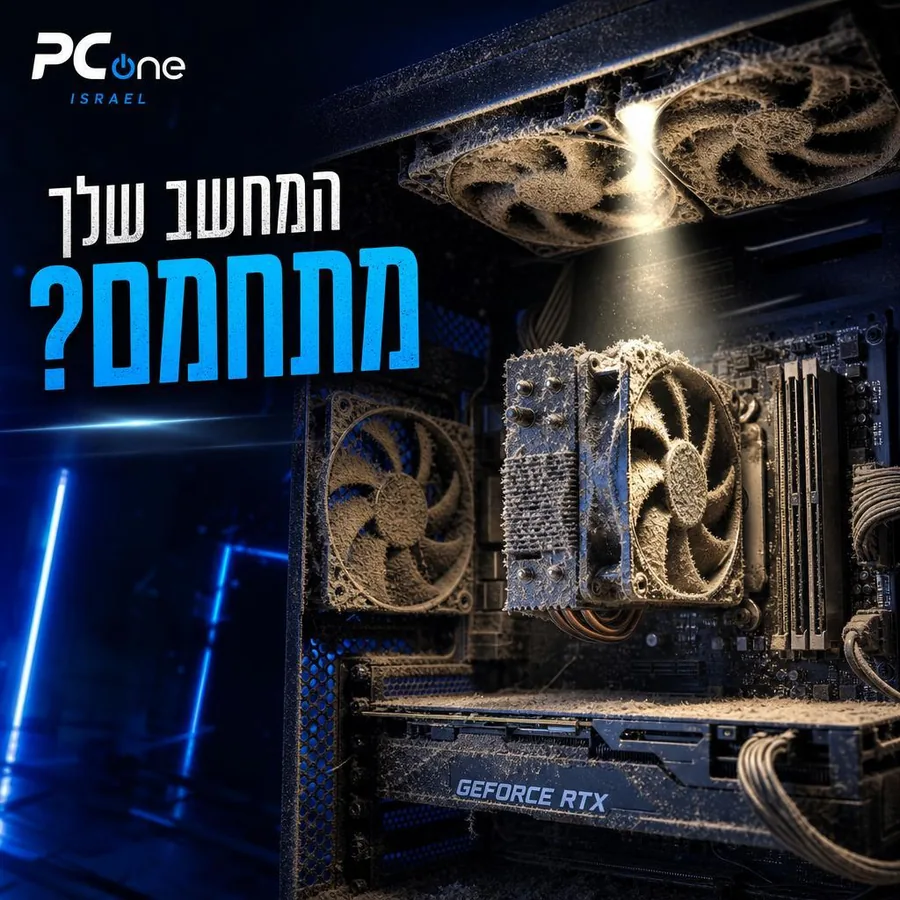
Dust is enemy #1 of every computer — it clogs the cooling, raises temperatures and shortens component lifespan.
Thermal paste: After 1.5–2 years the paste dries out and stops conducting heat. Regular replacement prevents overheating, noise, sluggishness — and costly damage to the CPU and GPU.
Dust clogs the cooling, the computer overheats, fans run at full speed and performance drops. Thorough cleaning with thermal paste replacement makes a huge difference.
Recommended: clean once a year for a home computer and twice a year for a gaming computer. Replace paste every 1.5–2 years.
A loud fan, overheating, slowdowns or shutdowns under load — all signs that dust and old paste are choking the cooling.
At least once a year for a home computer; for gaming or dusty work environments — every six months.
Yes — components are easy to damage. In the lab we disassemble and reassemble safely, with temperature checks before and after.
09-8345676 · 18 Pinhas Lavon St., Netanya
Chat with us on WhatsApp