
Low FPS, long load times, games that won't run on Ultra? The right GPU, RAM and cooling upgrade — and the computer flies. No need to buy a new one.
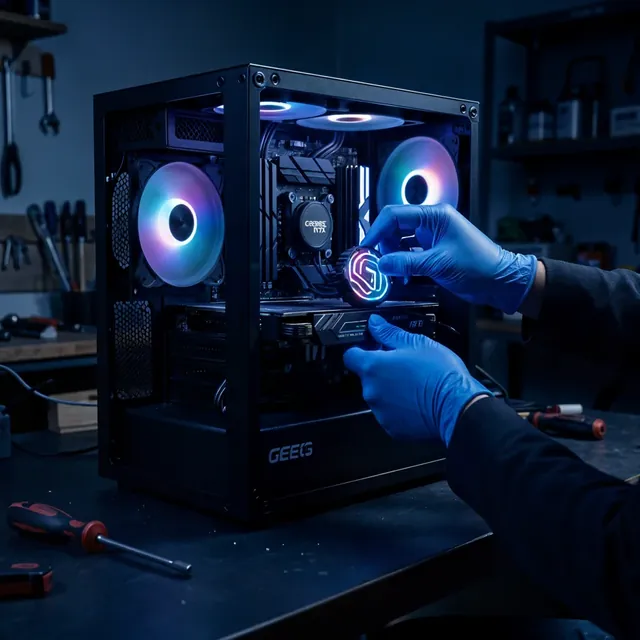
GPU replacement, added RAM and an NVMe drive — a big FPS jump. We'll tailor the upgrade to the games you play and your budget.
The GPU is the heart of gaming: A GTX 1060 barely gets 40–50 FPS in AAA games at 1080p. An RTX 5070 delivers 150–200+ FPS on Ultra — 3–4x more. In CS2 and Fortnite: 250–300 FPS. We'll advise honestly — no pushing unnecessary parts.
An old computer doesn't have to go to the trash. A proper upgrade restores its performance for a tenth of the price of a new computer. Here's the guide:
Where to start? The hard drive (HDD) is the bottleneck of every old computer. Switching to an SSD gives the biggest jump — Windows boots and programs/files open 3–5 times faster.
Not just an upgrade — an upgrade built for gaming: a strong GPU, fast RAM and serious cooling. Your computer will run every game at high FPS.
Games stuttering? Low FPS? Long load times? Come — let's turn your computer into a gaming machine.
Get a price for the upgrade
If the computer is up to 7 years old and upgradeable (SSD, RAM, GPU) — it's worth it. If the CPU is 10+ years old or the computer is failing on hardware — a new one may be better. We'll check and advise honestly.
Yes — we transfer your files, photos and programs to the new drive. You can also switch to a clean, fast Windows.
SSD upgrade with file transfer — usually 1–2 business days, depending on the amount of data.
09-8345676 · 18 Pinhas Lavon St., Netanya
Chat with us on WhatsApp