Swapping the drive for an SSD, adding RAM and upgrading the GPU — brings an old computer back to life for a tenth of the price of a new one.
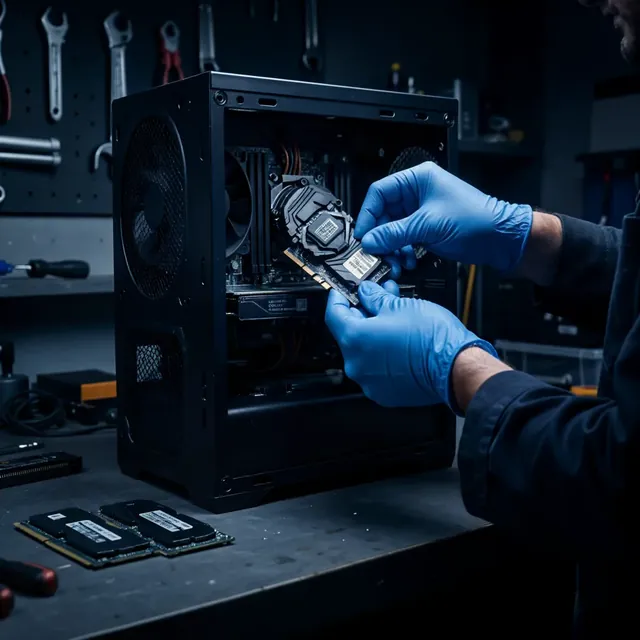
A 5–7 year old computer can work like new with the right upgrade — without buying a new computer for ₪3,000–5,000.
SSD is the most worthwhile upgrade: A computer with an old hard drive takes 2–3 minutes to boot; after switching to an SSD — 15–20 seconds. The difference is felt in every action.
An old computer doesn't have to go to the trash. A proper upgrade restores its performance for a tenth of the price of a new computer. Here's the guide:
Where to start? The hard drive (HDD) is the bottleneck of every old computer. Switching to an SSD gives the biggest jump — Windows boots and programs/files open 3–5 times faster.
If the computer is up to 7 years old and upgradeable (SSD, RAM, GPU) — it's worth it. If the CPU is 10+ years old or the computer is failing on hardware — a new one may be better. We'll check and advise honestly.
Yes — we transfer your files, photos and programs to the new drive. You can also switch to a clean, fast Windows.
SSD upgrade with file transfer — usually 1–2 business days, depending on the amount of data.
09-8345676 · 18 Pinhas Lavon St., Netanya
Chat with us on WhatsApp